
Five products. One independent build practice.
I design, build, launch, and operate products across macOS, Android, and Wear OS—using AI to accelerate implementation without outsourcing product judgment.
- My role
- Independent product designer, developer, and operator
- The bet
- Move from a real problem to a useful public product

 Invoicer
 MarkTo
 ColorKeep
 Kern
Kern
 Brick Run
- Products
- 5Built and shipped independently
- Platforms
- 3macOS · Android · Wear OS
- Ownership
- SoloStrategy, design, code, release
- Operating model
- 1 loopBuild · ship · listen · improve
I shipped five public products across three platforms.
Each product began with a specific frustration or interaction opportunity. I chose the platform, constrained the scope, designed the experience, directed AI-assisted implementation, and carried the work through public release.
Invoicer
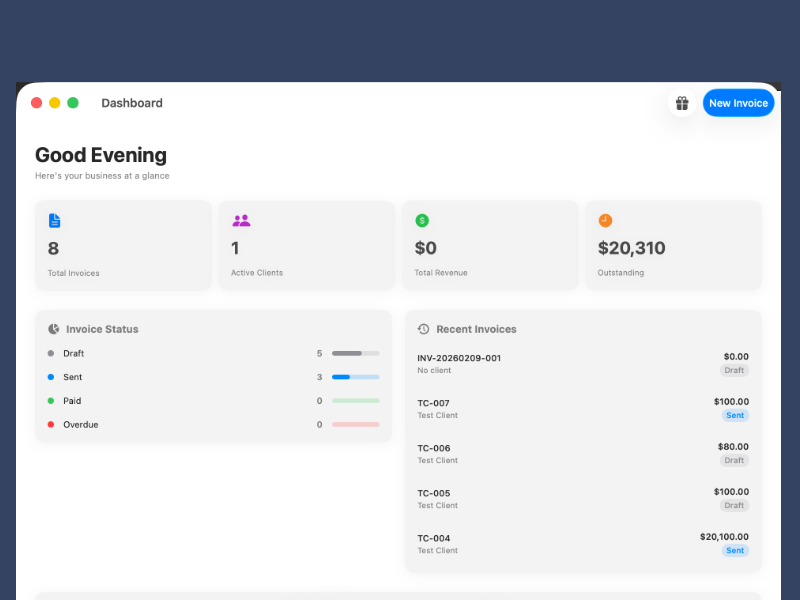
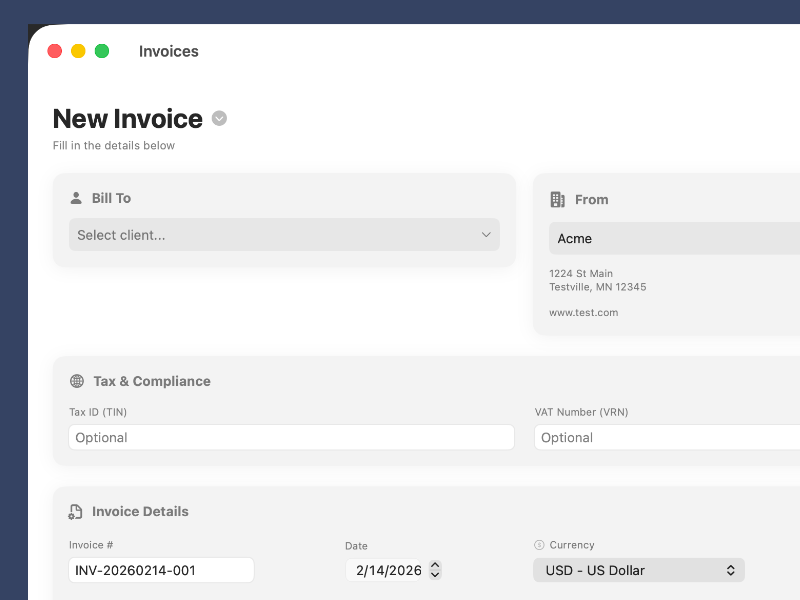
Fast, native invoices with a free core and no subscription—expanded for international currencies and tax requirements through user feedback.
Visit InvoicerBrick Run
A brick-breaking roguelike designed around short watch sessions, crown or touch controls, varied ball types, and more than 25 upgrades.
Visit Brick Run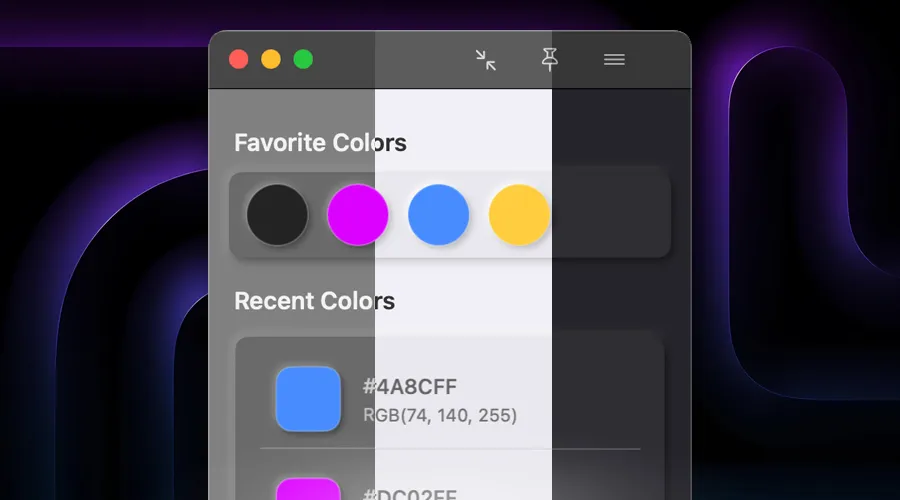
ColorKeep
A clipboard-aware color library with multiple window modes, themes, saved palettes, and CSV-based sharing.
Visit ColorKeepKern
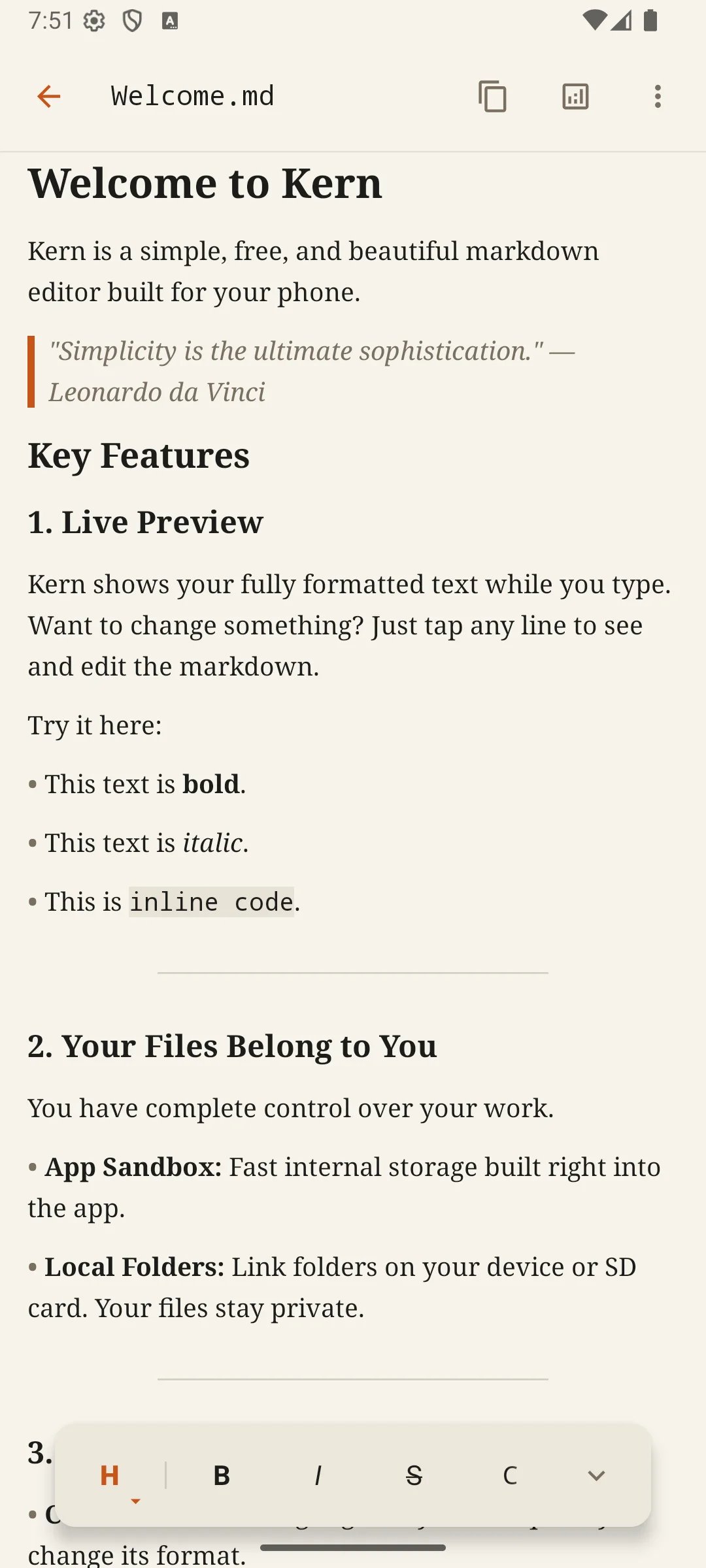
A calm Markdown editor with live formatting, local files, adjustable typography, and no required account.
Visit KernMarkTo
A lightweight Markdown-to-rich-text converter that works from the menu bar or Dock and ships free.
Visit MarkToInvoicer shows the practice in detail.
I needed to invoice my own clients. The available tools felt either too expensive for the job or too visually poor to represent my business. That frustration exposed a focused product opportunity: make the essential workflow feel fast, polished, and appropriately native to the Mac.
Pay for an accounting system.
Accept a recurring subscription and more operational complexity than a straightforward invoice requires.
Settle for a weak experience.
Use a manual or unattractive tool for a document that directly represents the quality of the business.
The strategy: do invoicing well without becoming an accounting suite.
Invoicer did not need to become another accounting suite. It needed to do the high-frequency work of creating, managing, and sending invoices exceptionally well—while making its economics and data practices easy to understand.
-
01 · Experience
Feel native, not adapted.
Built in SwiftUI for macOS, with the interaction patterns, speed, and compact footprint expected from a focused desktop tool.
-
02 · Economics
Remove the subscription tax.
The core product is free. Custom branding is a one-time Pro upgrade rather than another monthly obligation.
-
03 · Trust
Keep the product quiet.
The app works as a standalone workspace, supports iCloud sync, and is listed by Apple as collecting no user data.
AI accelerates every build. Product judgment stays human.
Across all five products, I own the same loop: identify the need, define the experience, direct the implementation, test the behavior, ship the release, and decide what customer feedback should change next. AI is part of the development process—not a substitute for the decisions.
- 01Find the friction
Start with a concrete user or workflow problem.
- 02Shape the feature
Define the interaction, hierarchy, and product rule.
- 03Direct the build
Use AI-assisted development to move from intent to working software.
- 04Test and ship
Validate the behavior, polish the details, and release it.
- 05Listen again
Use real feedback to set the next product decision.
The leadership signal: I can move between strategy, interface decisions, implementation constraints, and release operations without losing the thread of customer value.
User feedback shifted Invoicer toward international billing.
Once people began using the app and sending feedback, a meaningful pattern emerged: many customers needed invoicing to work across countries with different currencies and tax requirements. The product problem was no longer simply “make an invoice quickly.” It was “make a correct invoice for where this business operates.”
Invoicer’s release history shows sustained product work.
There is no inflated growth story here. The evidence is a live Mac product, repeated releases, real user feedback, and a roadmap that adapted as the audience became clearer.
Languages
English, French, Portuguese, and Spanish.
Public releases
Visible iteration across product capability, usability, and international support.
Native footprint
A focused macOS application rather than an overbuilt platform.
One-time Pro
Custom branding without a recurring subscription.
Data collected
Apple’s App Privacy listing states that the developer does not collect data.